Brand Colors
PostNL
Download a clean vector or high-resolution PNG, or copy the SVG source directly into your project.
Logo summary
About the PostNL Logo
Introduction
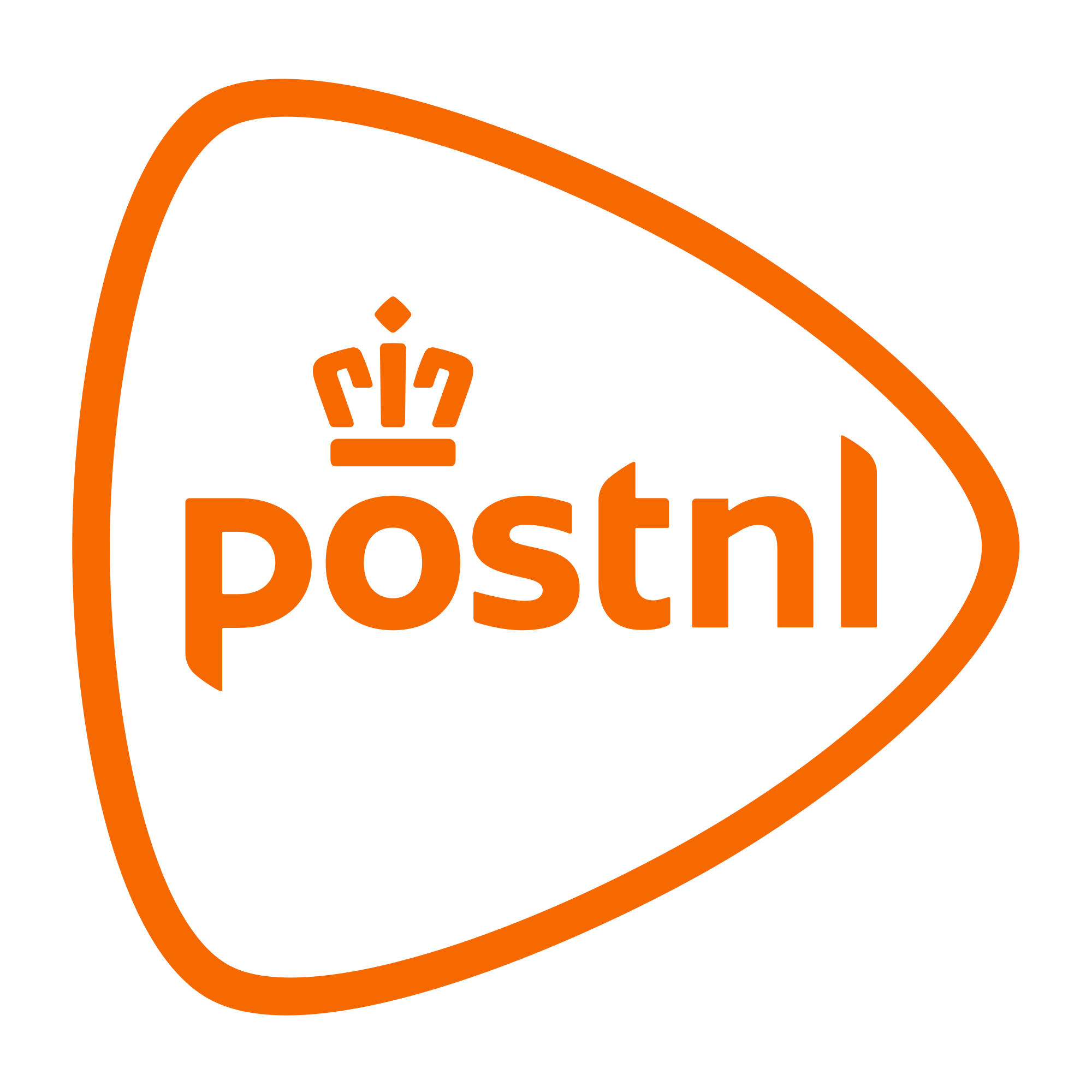
An orange rounded triangle holding a crown and a lowercase name — the PostNL logo is the Netherlands in a single emblem: royal orange, a crown, and a shape that is quietly a location pin tipped on its side. It signs the Dutch postal company with three centuries of history.
Brand Overview
PostNL is the Dutch national postal and parcel company, with roots to the state posts of 1799. It took its present name in 2011, when TNT’s mail division was demerged and rebranded, and today it delivers parcels and mail across the Benelux and beyond. Its official website is postnl.nl.
History of the PostNL Logo
The 2011 launch identity drew the company’s crown — a nod to its royal designation — inside a rounded, triangular outline, with the name in friendly lowercase. The artwork in this download is that identity, the version in this download taken from the file the PostNL Wikipedia article carries as its logo: the whole mark in one orange, outline and wordmark alike.
Meaning of the Logo
- The crown: PostNL holds the Dutch royal warrant — the crown sits at the top of the mark as a stamp of that status.
- The rounded outline: A soft triangle that reads as both a play button and a map pin — parcels, pointed at their destination.
- PostNL orange: The national colour, in the brand’s own shade (#F56900) — one colour for the entire identity, crown to lettering.
PostNL Logo Colors
| Color | Hex Code | Usage |
|---|---|---|
| PostNL Orange | #F56900 | The outline, crown, and wordmark (the logo file’s own fill value) |
| White | #FFFFFF | Backgrounds and reversed applications |
The orange is the artwork’s own fill value — a single-colour identity, exactly as the file draws it.
Conclusion
PostNL’s logo puts a crown inside a pin: royal history and parcel tracking in one orange outline.
Need the logo in vector format? You are in the right place — download the PostNL logo in SVG or transparent PNG using the buttons above.