The CapCut logo history starts under another name: Viamaker, ByteDance’s video editor, whose 2020 mark put stylish scissors front and centre — the editor’s leading tool, with rings that could also read as videotape reels, an inverted camera, or an hourglass. Renamed CapCut for its April 2020 global launch and refined in 2022 with thicker, flatter lines, the mark has stayed monochrome black ever since. This post traces that arc, untangles the camera-versus-scissors debate, and points to a clean SVG and transparent PNG download.
Introduction
The CapCut logo is one of the most seen — and least contemplated — brand marks in the world. It sits in the corner of millions of short videos across TikTok, Instagram Reels, and YouTube Shorts, quietly identifying the app that edited them. According to Ahrefs data from 2026, the mark pulls around 72,000 searches a month worldwide — yet the query that shadows it most closely is people asking how to remove it from their videos.
If you are searching for the CapCut logo, you are looking for the official mark of ByteDance’s free video-editing app — the tool behind an enormous share of the internet’s short-form content. This article traces the history of the CapCut logo, explains what the abstract symbol means, and breaks down the brand’s monochrome color palette.
CapCut Brand Overview
CapCut is a free all-in-one video editing app developed by ByteDance, the Chinese technology company behind TikTok. It launched internationally in 2020 (its Chinese predecessor, JianYing, dates to 2019), riding TikTok’s explosive growth to become one of the most downloaded apps on the planet. The name combines “capture/clip” with “cut” — a direct statement of purpose: quickly capture moments and cut them into polished videos.
The app’s tight integration with TikTok made it the default editor for a generation of creators, offering professional-grade tools — auto-captions, background removal, effects, templates — for free. In a dramatic episode in January 2025, CapCut was briefly banned in the United States alongside TikTok following a Supreme Court decision, only to come back online the next day.
History of the CapCut Logo
The CapCut logo has been redesigned several times since the app’s debut. Early versions of the brand were more colorful and playful, reflecting the app’s casual-creator audience. The decisive shift came with the 2022 rebrand, which refined the contours of both the emblem and the lettering: the lines of the stylized mark grew slightly thicker, the wordmark more distinctive, and the whole identity moved to the sleek black-and-white scheme it wears today.
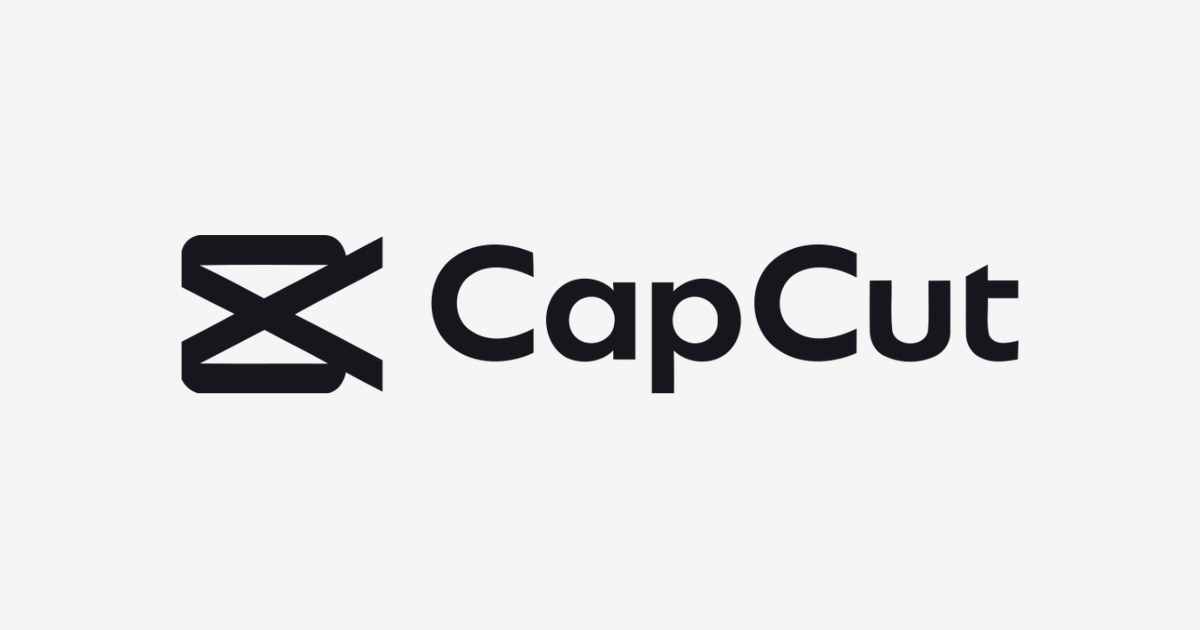
The current logo is a combination mark: an angular abstract symbol beside a custom geometric wordmark. The symbol fuses a universal “play” triangle with a stylized scissor cut — dynamic, action-oriented, and unmistakably about editing. The wordmark uses a custom-designed rounded sans-serif (similar in spirit to typefaces like Filson Pro and Nexa, but bespoke), with a distinctive shortened crossbar on the letter “t” that gives the name its memorable character. The logo was created by ByteDance’s in-house design team, and the individual designers were never publicly credited.
CapCut Logo Meaning: What Does the Symbol Represent?
The CapCut logo is minimal yet layered with meaning:
- Editing and cutting: The intersecting angular shapes of the emblem evoke scissor blades and video cuts — the core action the app performs.
- Flow and motion: The interwoven forms resemble video timelines and transitions, suggesting seamless, non-linear editing.
- Speed and simplicity: Clean, confident lines communicate a fast, user-friendly tool — no intimidation, just get cutting.
- The custom “t”: The wordmark’s shortened crossbar is the brand’s signature detail — a small imperfection that makes the name instantly recognizable.
Design critics note an interesting tension: the mark is so abstract that it communicates almost nothing about video on its own. CapCut’s strategy is repetition — the logo appears on millions of exported videos, and viewers learn to associate the shape with edited content through sheer exposure rather than readable symbolism.
CapCut Logo Colors
The CapCut identity is built on a strict monochrome foundation, with a signature teal accent reserved for the product UI.
| Color | Hex Code | Usage |
|---|---|---|
| CapCut Black | #000000 | Primary brand color — wordmark and emblem on light backgrounds, app icon tile |
| CapCut White | #FFFFFF | Reversed applications — white emblem on the black app tile, dark-mode usage |
| CapCut Teal | #00C2D6 | Signature accent — UI highlights and promotional contexts, evoking creativity and digital energy |
The monochrome strategy is deliberate: with no gradient and no competing hues, the mark stays legible at tiny sizes — essential for a logo that lives in the corner of phone-shot videos — and adapts cleanly to any background.
Conclusion
The CapCut logo is a case study in distribution over design: an abstract mark that became globally recognizable not through brilliant symbolism but through appearing on billions of videos. The 2022 black-and-white refinement gave it the discipline it needed, and the scissor-play emblem now reads as the universal sign of “this was edited.”
Whether you are making tutorials, thumbnails, or UI mockups, CapCut’s mark is the emblem of the short-video era — and one of the most downloaded logo assets on the internet.
Looking for the logo files? Download the CapCut logo in SVG and transparent PNG formats from VectorDose.
Download the CapCut logo in SVG and transparent PNG
Download the CapCut logo on VectorDose in SVG and transparent PNG, with the official brand colours listed on the page. Use the SVG as your master file and export a PNG at the exact size each use needs — and always copy the brand colours exactly, never recolour the artwork.
Frequently asked questions about the CapCut logo
What does the CapCut logo mean? The story above traces the mark’s history and meaning — read it in full, because the meaning sits in the design details, not in a single symbol.
What colours does the CapCut logo use? Use the colours shown in the story above and on the brand’s official pages, copied exactly. Never recolour the artwork to fit your own palette.
Can I download the CapCut logo in SVG and PNG? Yes. Download the CapCut logo on VectorDose in SVG and transparent PNG, with the official brand colours listed on the page.
SVG or PNG — which format should I use? Use the SVG as your master file for websites and anything that scales. Export a transparent PNG at the exact pixel size when the destination cannot use vectors, such as a slide deck or a social post.